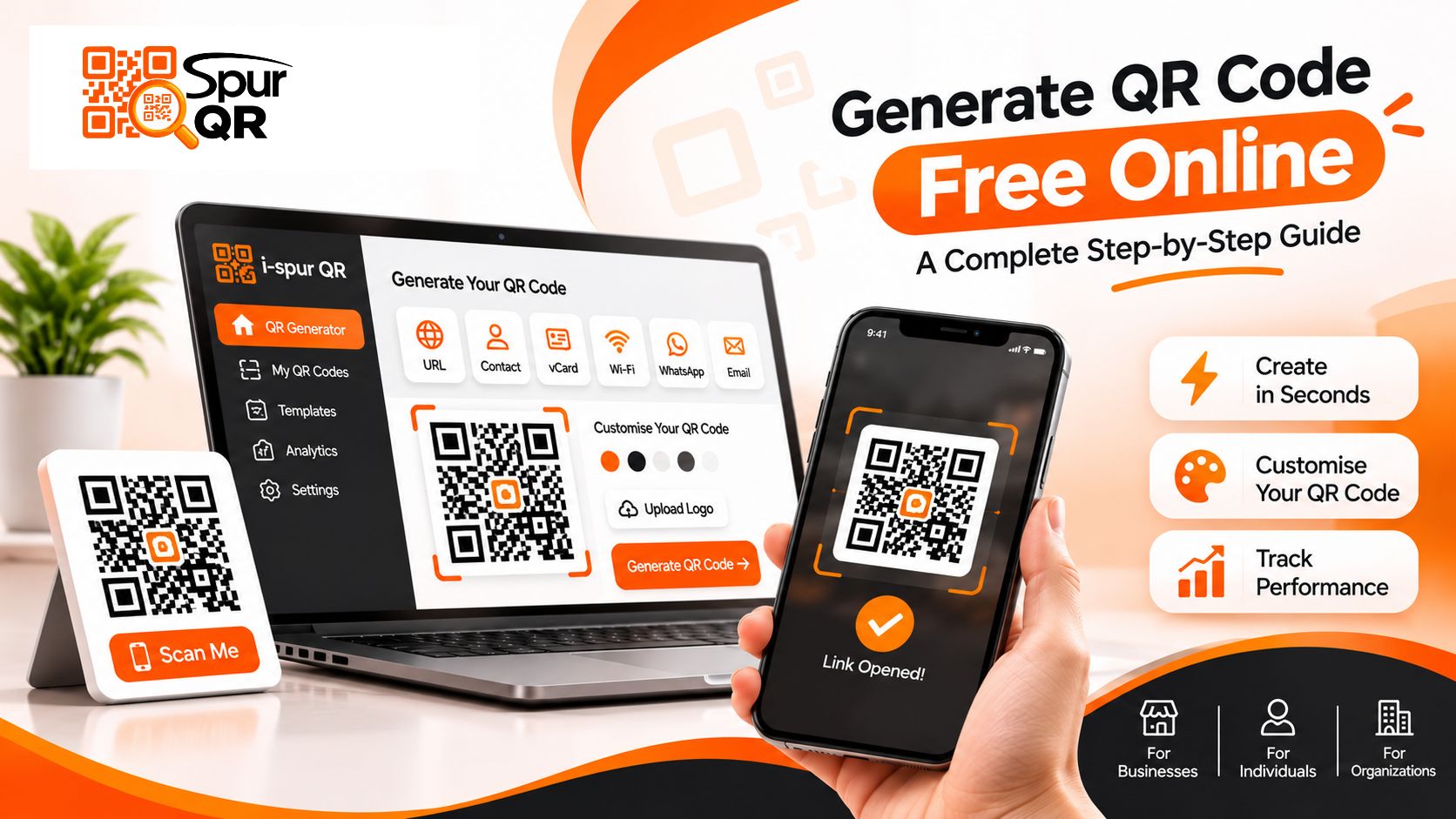
How to Generate QR Code Free Online: A Complete Step-by-Step Guide
QR codes have become an important part of modern communication, marketing and business operations. From sharing website links and contact details to providing Wi-Fi access and digital information, QR codes make sharing information faster and easier.
Whether you are an individual, business owner, marketer or entrepreneur, learning how to generate QR code free online can help you connect with people without requiring complicated technical knowledge.
With an online QR code maker like i-spur QR, you can create different types of QR codes for personal and business applications.
In this guide, we will explain how to create a QR code online, explore different QR code types, understand customisation options and learn how to use QR codes effectively.
What Is a QR Code?
A QR code is a two-dimensional barcode that stores information in a format that can be scanned using a smartphone camera or QR code scanning application.
Unlike traditional barcodes, QR codes can store different types of information, including:
- Website URLs
- Contact details
- Email addresses
- Wi-Fi credentials
- Phone numbers
- Social media links
- Event information
- Text and other supported information
When someone scans a QR code, their smartphone can display the encoded information or open the associated destination.
QR codes are widely used in restaurants, retail stores, offices, educational institutions, hotels, packaging and marketing campaigns.
How to Generate QR Code Free Online Using i-spur QR
Creating a QR code does not require advanced technical skills. Follow these simple steps to generate a QR code online using i-spur QR.
Step 1: Open the i-spur QR Website

Visit i-spur QR, an online QR code maker that provides QR generation options for different personal and business requirements.
Explore the available QR code categories and select the type that matches your purpose.
Step 2: Select Your QR Code Type
Choose the appropriate QR code generator based on the information you want to share.
For example:
- Select URL QR for sharing a website link.
- Select VCard QR for sharing contact information.
- Select Wi-Fi QR for sharing wireless network details.
- Select WhatsApp QR for sharing a WhatsApp connection.
- Select Email QR for sharing an email address.
- Select Event QR for sharing event information.
Choosing the correct QR type helps ensure that the code provides the intended experience when scanned.
Step 3: Enter Your Information
After selecting a QR code type, enter the required information into the generator.
For example, if you are creating a URL QR code, enter your website address.
If you are creating a contact QR code, provide the relevant contact information requested by the generator.
Always check your information carefully before generating the code to avoid incorrect links or details.
Step 4: Customise Your QR Code Design

A customised QR code can make your business communication and marketing materials more visually appealing.
Depending on the available generator options, you can explore customisation features such as:
- Different QR dot patterns.
- QR corner and eye styles.
- Foreground and background colours.
- Gradient colour options.
- Custom logo uploads.
- Available predefined logos.
Choose colours and designs that match your brand identity while maintaining sufficient contrast for scanning.
Step 5: Generate Your QR Code
Once you have entered the required information and selected your preferred design, use the Generate option.
Preview the generated QR code and check that it displays correctly.
Step 6: Download and Test Your QR Code
Download your generated QR code using the available download options.
Before using it publicly, scan the code with a smartphone to verify that it opens the correct destination or displays the intended information.
If you plan to print the QR code on packaging, brochures, business cards or banners, test it at the expected printed size.
Different Types of QR Codes You Can Create Online
QR codes can serve many purposes beyond simply sharing website links. Here are some useful QR code types for individuals and businesses.
1. URL QR Code
A URL QR code allows you to share a website address through a scannable code.
Instead of manually typing a long website URL, users can scan the code to access the associated webpage.
Common applications include:
- Business websites.
- Product landing pages.
- Online stores.
- Promotional campaigns.
- Digital brochures.
Create one using the i-spur QR URL QR Code Generator.
2. Contact QR Code
A contact QR code makes sharing contact information more convenient.
It can help professionals and business owners share their details through a quick scan.
Potential applications include:
- Business cards.
- Professional networking.
- Sales representatives.
- Business meetings.
- Personal contact sharing.
3. VCard QR Code
A V-Card QR code is useful for creating a digital business card experience.
It can encode supported contact information, allowing people to access and save your details using their smartphones.
Professionals, consultants, freelancers and entrepreneurs can use vCard QR codes to simplify contact sharing.
4. Wi-Fi QR Code
A Wi-Fi QR code helps people connect to a wireless network without manually entering network credentials.
Restaurants, hotels, offices, cafés and residential properties can use Wi-Fi QR codes to make network access easier.
5. WhatsApp QR Code
A WhatsApp QR code can make it easier for customers to connect with a business through WhatsApp.
Businesses can use it on:
- Product packaging.
- Promotional materials.
- Business cards.
- Store displays.
- Customer support materials.
6. Event QR Code
An event QR code can provide convenient access to event-related information.
Event organizers can use QR codes to share event details, schedules and relevant online destinations.
Depending on the event registration system, QR codes can also be incorporated into attendee registration workflows.
Static QR Codes vs Dynamic QR Codes: What Is the Difference?
Before creating a QR code for your business, it is important to understand the difference between static and dynamic QR codes.
Static QR Codes
A static QR code stores its information directly within the QR code.
Once generated, its encoded information generally cannot be changed.
Common applications include:
- Permanent website links.
- Contact information.
- Wi-Fi details.
- Basic text information.
Static QR codes are suitable when the information does not need to change regularly.
Dynamic QR Codes
A dynamic QR code uses a redirect-based destination that can be updated through a supporting QR management platform.
For example, a restaurant can print a dynamic menu QR code and later update its destination from the breakfast menu to the lunch menu without replacing the printed QR code.
Depending on the platform and subscription plan, dynamic QR solutions may also offer scan analytics and additional management capabilities.
Which one should you choose?
Choose static QR codes when your information is permanent. Consider dynamic QR codes when you need destination flexibility and ongoing QR management.
Before selecting a subscription, check the platform's pricing and feature entitlements.
Benefits of Using a Free Custom QR Code Generator
Using a free custom QR code generator can offer several advantages for personal and business communication.
1. Faster Information Sharing
People can access supported information by scanning a QR code instead of manually typing a website address or other details.
2. Better Customer Convenience
Businesses can use QR codes to provide easier access to menus, websites, contact information and customer support resources.
3. Brand-Friendly Designs
Customised QR codes can incorporate brand colours and logos, helping businesses maintain a consistent visual identity.
4. Multiple Business Applications
QR codes can be used across packaging, printed marketing materials, product labels, business cards and promotional displays.
5. Convenient Digital Access
QR codes connect physical materials with digital destinations, making it easier for customers to access additional information.
How Businesses Can Use QR Codes
QR codes are useful across different industries. Here are some practical examples.
Restaurants and Cafes
Restaurants can use QR codes to share digital menus, guest Wi-Fi details, customer feedback forms and review pages.
Retail and E-commerce
Retail businesses can add QR codes to product packaging to share product information, instructions, warranty details and online resources.
Hotels and Hospitality
Hotels can use QR codes to provide access to guest information, hotel services, digital menus and feedback forms.
Educational Institutions
Schools, colleges and universities can use QR codes to share course information, library resources, campus maps and educational materials.
Marketing Agencies
Marketing agencies can incorporate QR codes into promotional campaigns, printed advertisements and customer engagement activities.
Manufacturing Businesses
Manufacturers can use QR codes to provide access to product information, batch details, warranty resources and inventory-related information.
Tips for Creating an Effective QR Code
Generating a QR code is only the first step. You should also ensure that people can scan and use it successfully.
Follow these best practices:
- Use sufficient contrast: Maintain a clear difference between the QR foreground and background colours.
- Test before printing: Scan the code using different smartphones.
- Choose an appropriate size: Make sure the QR code is large enough for the intended scanning distance.
- Use a clear call to action: Add instructions such as "Scan to View Menu" or "Scan to Visit Our Website."
- Check the destination: Ensure that the QR code opens the correct page.
- Protect your information: Avoid embedding sensitive personal information in publicly accessible QR codes.
- Monitor performance: For supported dynamic QR solutions, review available scan analytics to understand usage.
Frequently Asked Questions (FAQs)
1. How can I generate QR code free online?
Visit an online QR code generator such as i-spur QR, select your preferred QR code type, enter the required information, customise the design where supported, generate the code and download it.
2. Can I create a QR code online without technical knowledge?
Yes. Online QR code makers provide simple interfaces that allow users to select a QR type, enter information and generate a QR code without programming knowledge.
3. Can I create a QR code for my website?
Yes. You can use a URL QR code generator to convert your website address into a scannable QR code. Visit the i-spur QR URL generator.
4. Can I create a QR code for my contact details?
Yes. A VCard QR code can encode supported contact information and make it easier for people to access and save your details.
5. What is the difference between static and dynamic QR codes?
Static QR codes contain fixed encoded information, while dynamic QR codes use a redirect mechanism that can allow the destination to be updated through a supporting platform.
6. Can I customise my QR code?
Many QR code generators offer customisation options such as colours, patterns and logos. The exact options depend on the generator and subscription plan.
7. Can businesses use free QR codes?
Yes. Businesses can use QR codes for website sharing, contact information, Wi-Fi access and other applications. However, they should check usage limits, commercial terms and available features before choosing a platform.
8. Are QR codes suitable for marketing?
Yes. QR codes can connect printed advertisements, packaging, brochures and other offline materials to digital destinations, making them useful for marketing and customer engagement.
Conclusion
QR codes have made sharing information more convenient for individuals, professionals and businesses. Whether you want to share a website, contact details, Wi-Fi information or event resources, an online QR code maker can simplify the process.
Learning how to generate QR code free online allows you to create useful digital connections without complicated technical steps.
With i-spur QR, you can explore different QR code generators and customisation options for your personal and business requirements.
Ready to create your first QR code?
Visit our website and start creating your QR codes today.